
Platform

Production agents, with governance built in

Deploy agents that execute real workflows across your tools. Keep approvals, access boundaries, and full run history from day one.
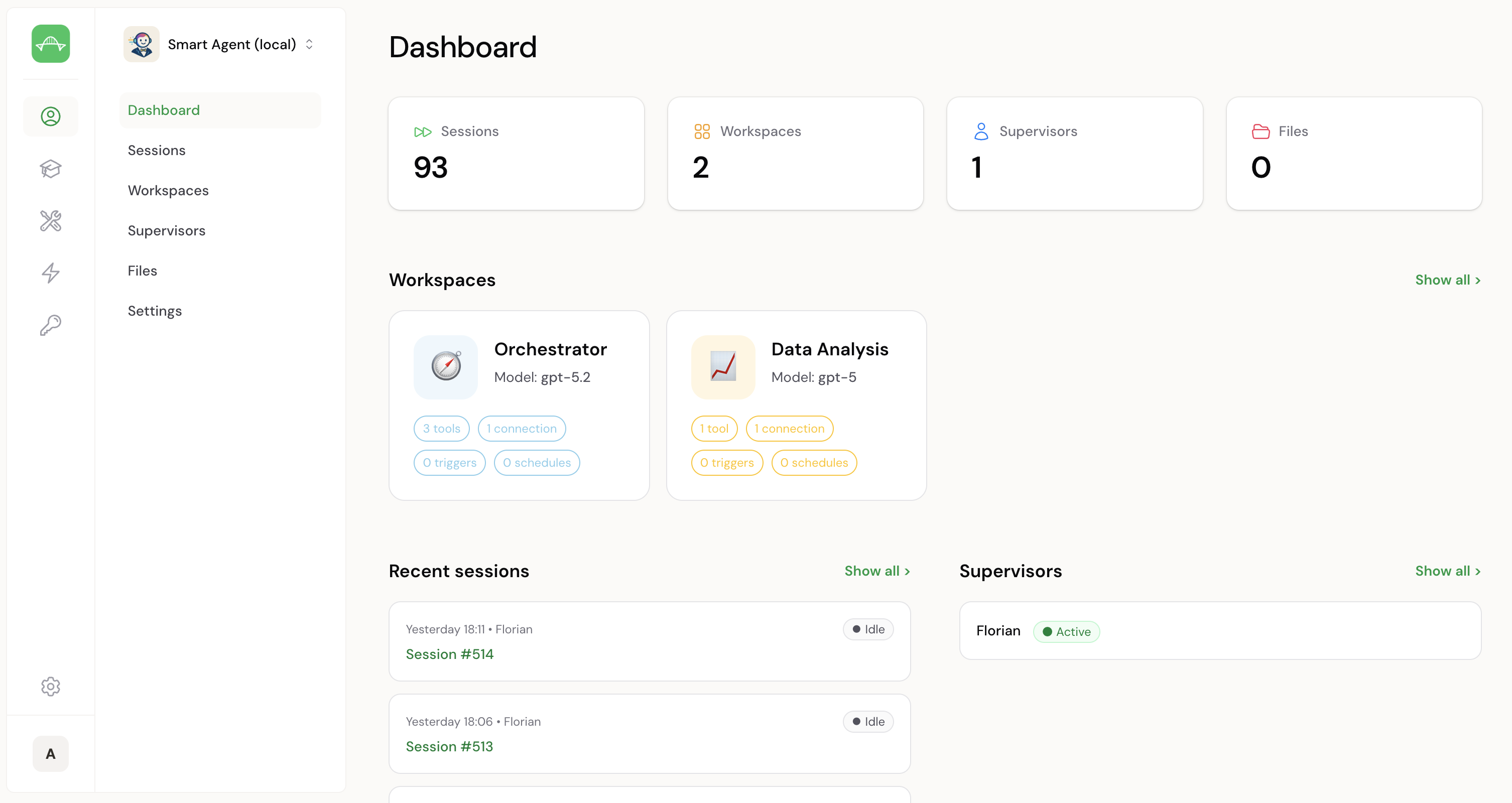
Assistant Engine platform demo thumbnail
Play platform demo

A practical path to production agents

Real workflows change. Assistant Engine keeps delegation safe, repeatable, and auditable, without building a platform first.

Off-the-shelf agents

Quick to try, hard to trust in production.

  • × Doesn’t fit your process or permissions
  • × Opaque tool access and guardrails
  • × Limited audit trail when stakes rise

Building everything yourself

Flexible, but the platform becomes the project.

  • × Integrations, tokens, and access control take significant time
  • × Approvals, routing, observability turn into a product
  • × Edge cases and maintenance compound

Assistant Engine

Best choice

A governed runtime and admin layer for workflow agents.

  • Workspaces, tools, triggers, schedules as building blocks
  • Approvals on sensitive steps, by design
  • Run history and evidence for audits and handovers

One interface. All functions.

Configure agents, workspaces, tools, triggers, schedules, skills, tokens, and session history in one place.

1 · Agents

Create agents, choose your LLM, and connect them to the channels your teams already use.
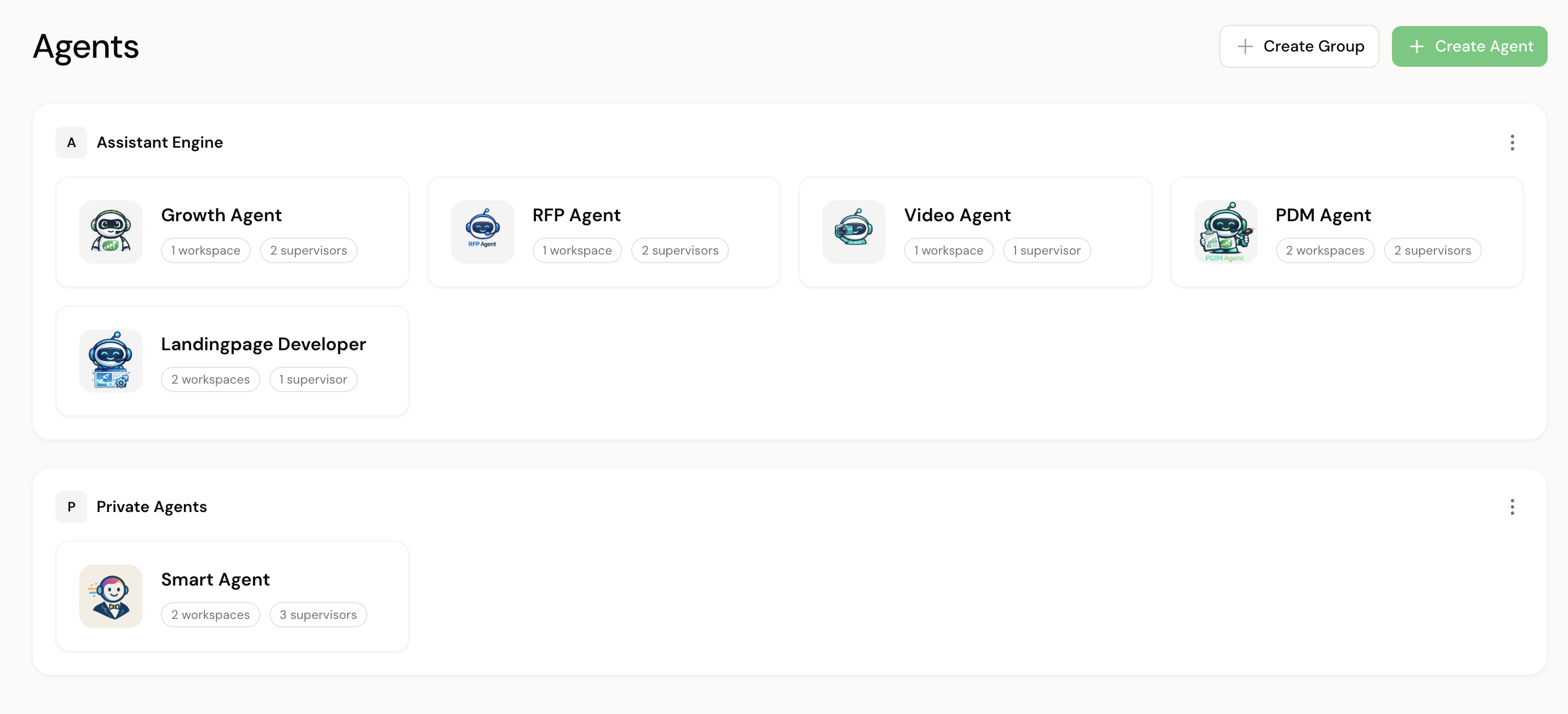
Agents screenshot
  • Choose your model (OpenAI, Gemini, Anthropic)
  • Connect the agent to your channel e.g. Slack, Microsoft Teams (soon), WhatsApp (soon)
  • Reuse a consistent setup across teams and processes

2 · Workspaces

The place where the agent works. Define scope, tools, and automation per workspace, and split responsibilities across multiple workspaces.
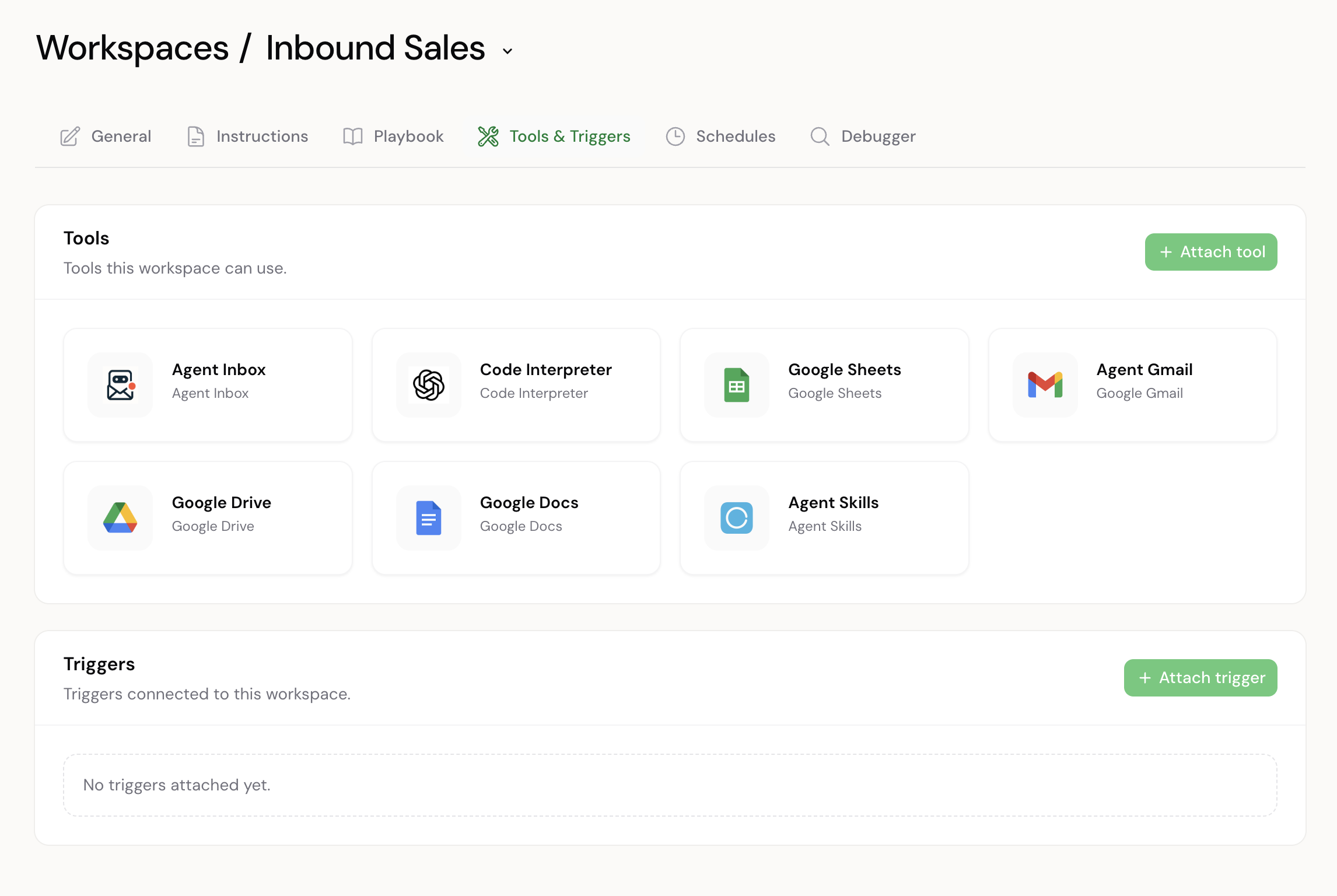
Workspaces screenshot
  • Define instructions, allowed tools, triggers, and schedules per workspace
  • Use multiple workspaces per agent to split tasks and ownership
  • Connect workspaces for handoffs and notifications

3 · Supervisors

Scope behavior per Slack user or channel, with explicit oversight and per-supervisor overrides.
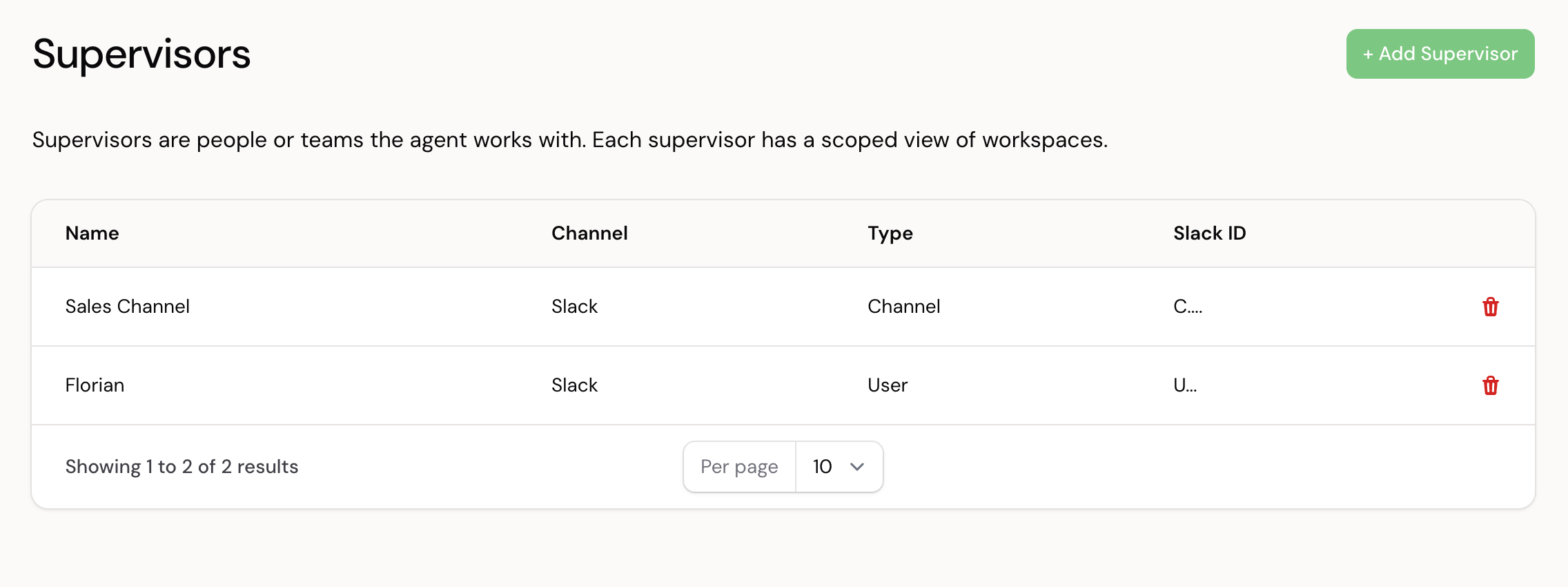
Supervisors screenshot
  • Run the same agent for different people or teams
  • Override instructions, triggers, and schedules per supervisor where needed
  • Keep responsibility and approvals explicit

4 · Tools

Install and connect integrations and function bundles to specific workspaces.
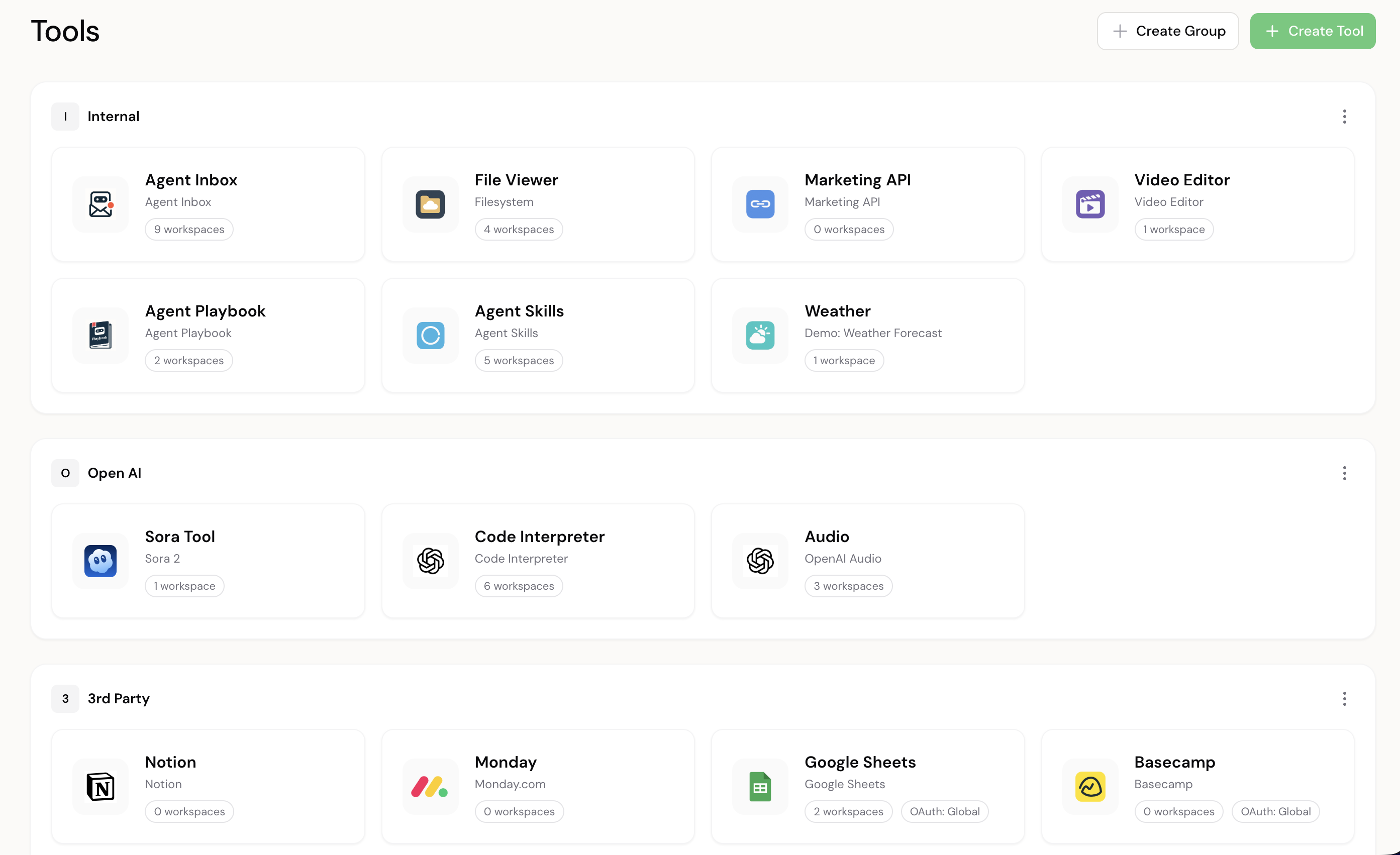
Tools screenshot
  • Manage tools centrally and connect them where needed
  • Allowlist tools per workspace for safe execution
  • Connect oAuth tokens so actions run against real accounts

5 · Triggers and schedules

Start sessions via events or timers and route them to the right workspace and supervisor scope.
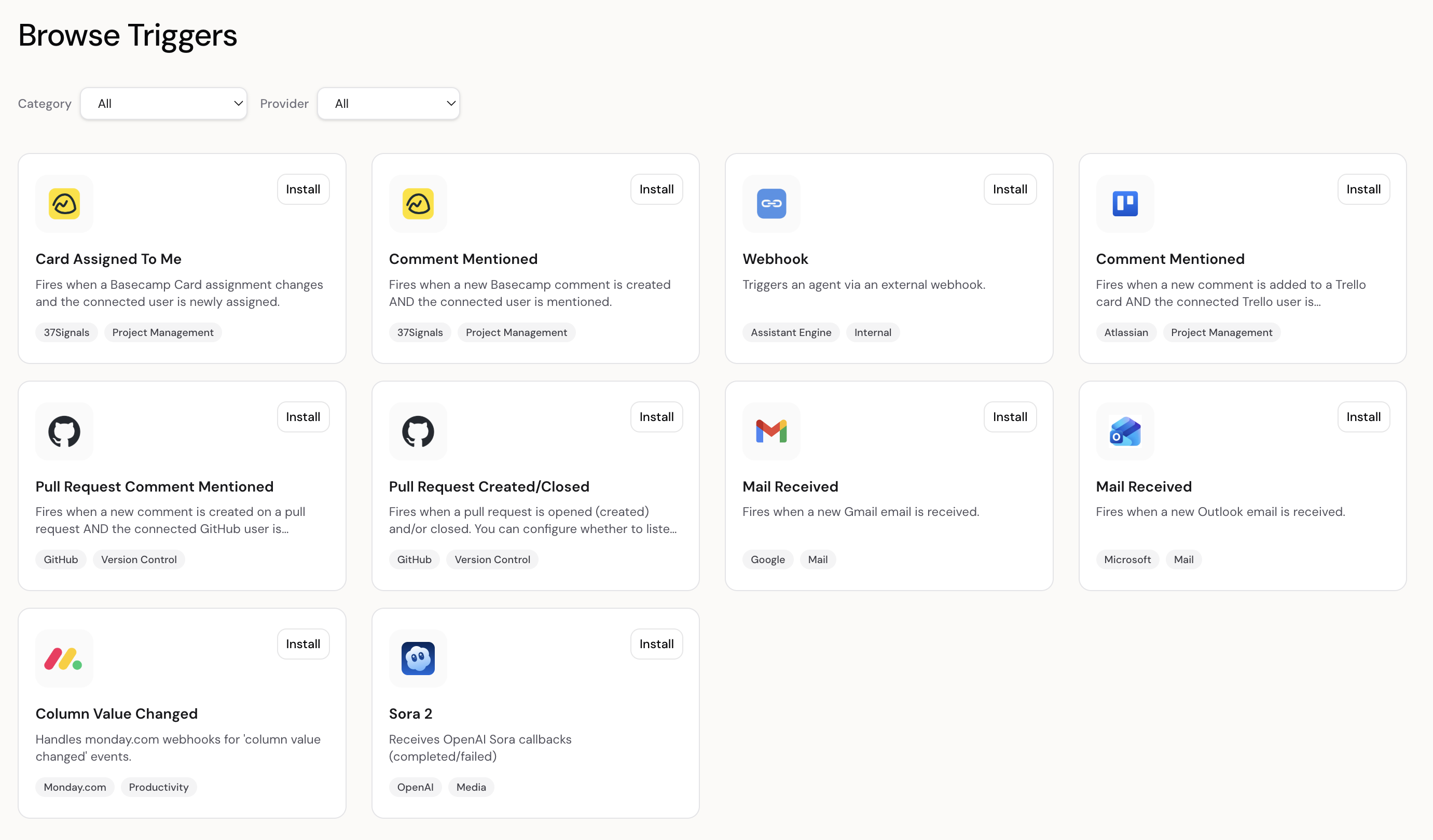
Triggers and schedules screenshot
  • Events from external systems and internal timers
  • Routing patterns that match real processes
  • Repeatable automation without hardcoding workflows

6 · Skills

Reusable instruction modules with optional files attached, enabled per workspace and centrally managed.
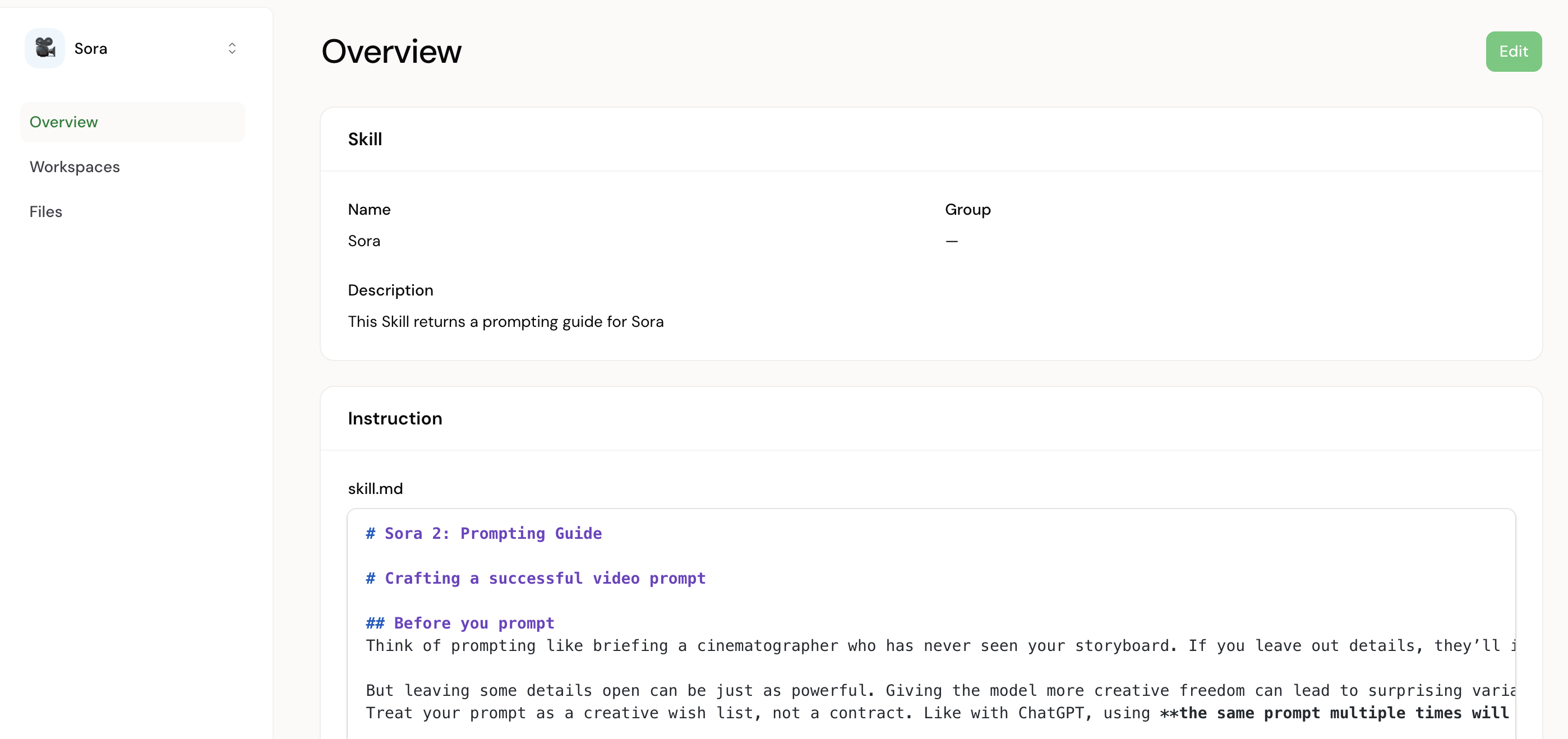
Skills screenshot
  • Standardize behavior without duplicating instructions
  • Attach files to skills for consistent context and reference
  • Enable skills per workspace for precise scope

7 · oAuth providers and tokens

Manage OAuth apps, scopes, and token lifecycle, and see usage across tools and triggers.
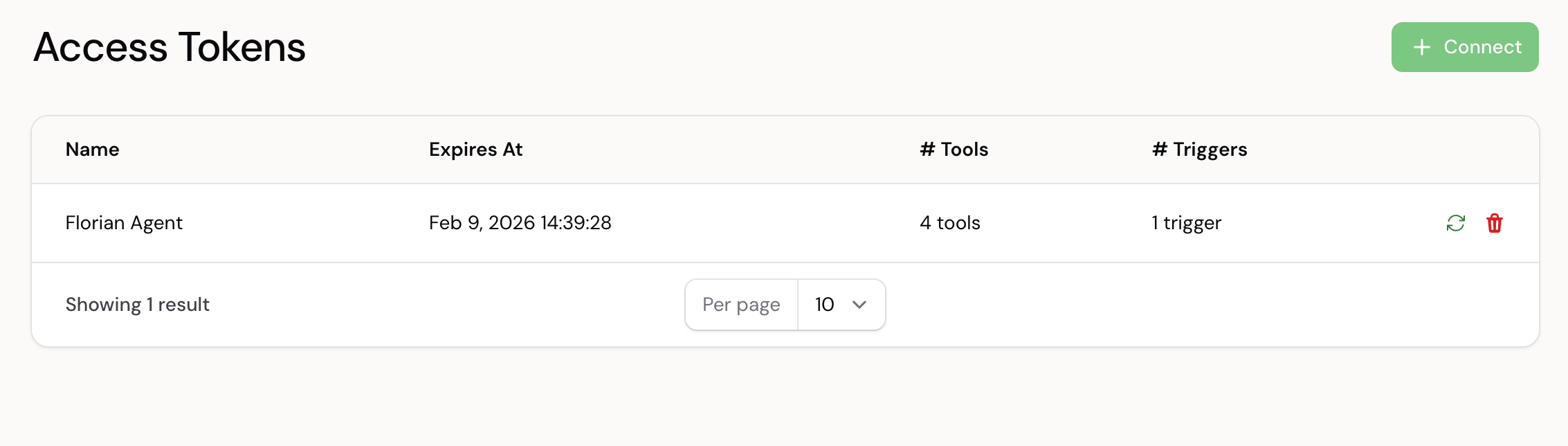
Auth providers and tokens screenshot
  • Define OAuth apps, scopes, and credentials
  • Rotate, revoke, and audit token usage
  • Keep sensitive credentials separate from agent config

8 · Sessions explorer

Inspect runs step-by-step, verify outcomes, and support audits and handovers.
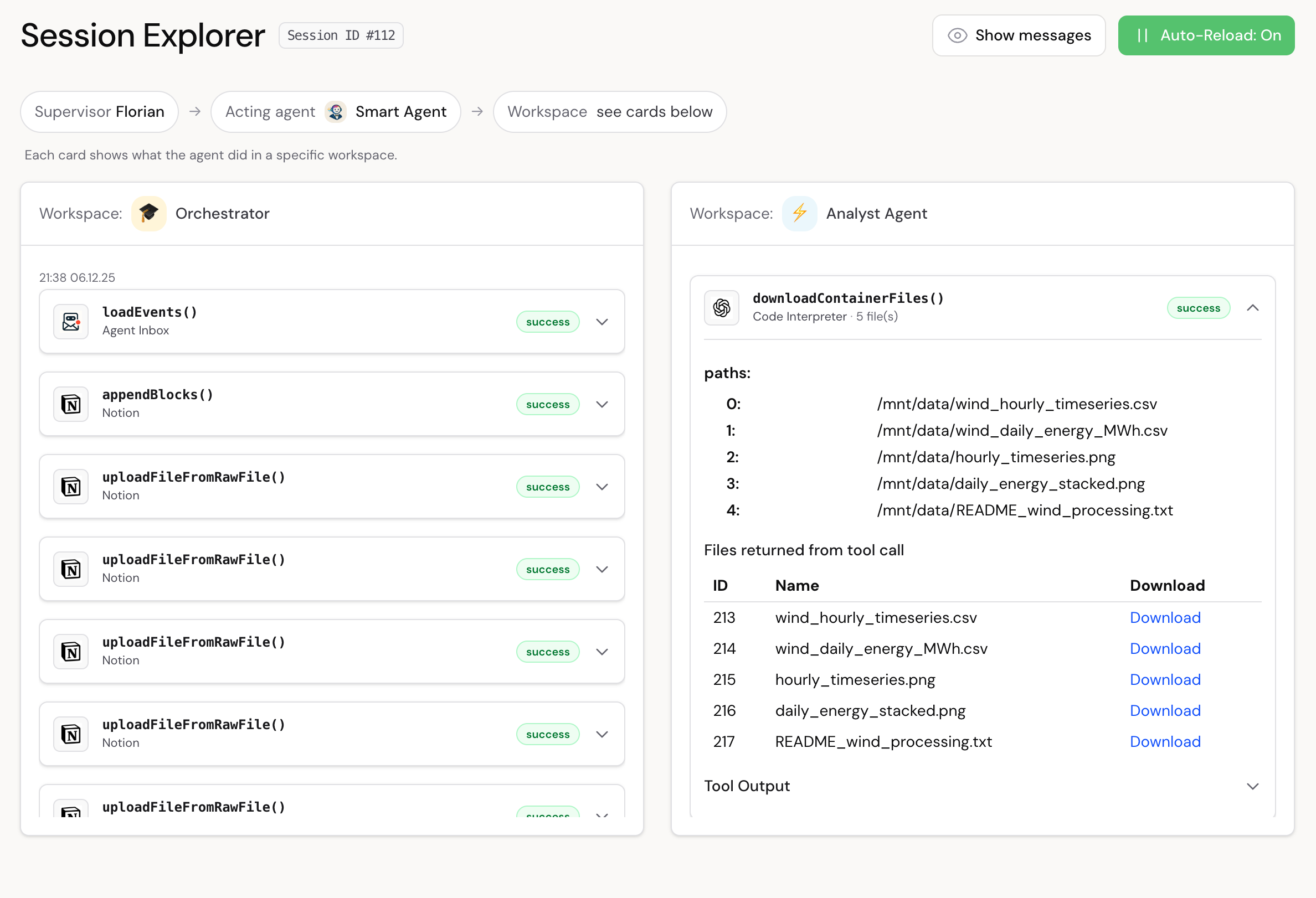
Sessions explorer screenshot
  • Run history with actions and outcomes
  • Verify work and support handovers
  • Evidence for audits and review

See Agents in Action

Explore real examples of governed workflows, including approvals, evidence, and tool integrations.

Agents in Action

Controls, security, and governance

Choose your model and channels, keep execution inside boundaries, and require approvals where it matters.

Choose your LLM

  • OpenAI logo OpenAI
  • Gemini logo Gemini
  • Anthropic logo Anthropic

Choose your channel

  • Slack logo Slack
  • Microsoft Teams logo Microsoft Teams (soon)
  • WhatsApp logo WhatsApp (soon)

Controls and governance

  • Supervisor approval for sensitive actions
  • Artifacts stay in your workspace
  • Session history for every run
  • EU (Germany) residency plus private cloud

Next step

What you get with Assistant Engine

  • Tailored setup to match your use case and environment.
  • Tool integration with the stack your team already uses.
  • Fast, secure environment so you can learn and deliver value quickly.
  • Safe AI rollout with governance from day one.

How: We scope, integrate, and launch a pilot fast so you can prove impact before scaling.

Assistant Engine founder

Ready for a tailored demo?

We will map your use case and show value in days.

Request a demo

Next: choose a time slot in Calendly (takes ~30 seconds).

Contact