
Delegate real work. Keep full control .
Governed AI agents that execute across your tools, with approvals and audit trails.
Cut time-to-offer to minutes with governed approvals.

Launch website changes faster, with governance built in.
Prevent go-live delays with controlled product data operations.
Cut procurement cycles and make vendor decisions with evidence.
Where conventional AI workflow tools struggle
- Too many branches to model upfront
- New edge cases after launch
- Dynamic decisions based on context
Our approach
Built for dynamic work- ✓ Multiple controlled workspaces (context + tools + rules)
- ✓ Agents that choose the path to the outcome
- ✓ Agent works for a supervisor - supervisor guides, reviews, and stays responsible
Platform
Assistant Engine helps you build specialized agents for your use case and run them with full control: permissions, allowlists, approvals, and audit logs, including on-prem.
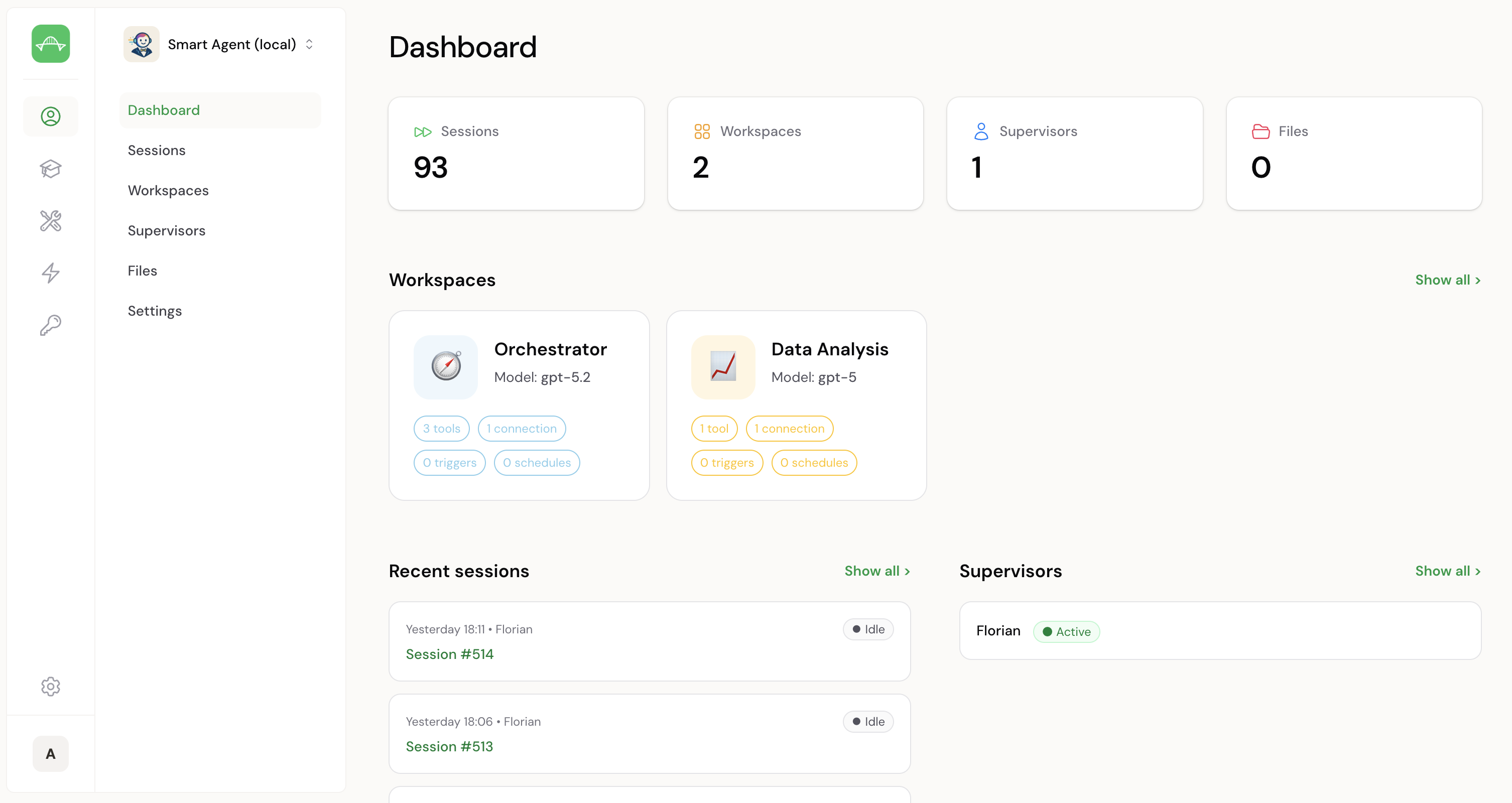
Self-serve agents & workspaces
Teams manage agents and workspaces end-to-end: configure, run, and iterate autonomously.
Communicate in your channels
Supervisors talk to agents in Slack (DMs or channels). Microsoft Teams and WhatsApp coming soon.
Private cloud / self-host
Run in a private cloud or on your servers to keep data and execution in your environment.
Next step
What you get with Assistant Engine
- ✓ Tailored setup to match your use case and environment.
- ✓ Tool integration with the stack your team already uses.
- ✓ Fast, secure environment so you can learn and deliver value quickly.
- ✓ Safe AI rollout with governance from day one.
How: We scope, integrate, and launch a pilot fast so you can prove impact before scaling.

Ready for a tailored demo?
We will map your use case and show value in days.
Next: choose a time slot in Calendly (takes ~30 seconds).
FAQs
Short answers for the usual questions.
Do you replace automation tools?
No. Some cases are perfect for automation. We help when the situation is dynamic, branching, or hard to fully model upfront - by giving an agent controlled workspaces instead of a single rigid setup.
What does “controlled workspaces” mean?
Each workspace defines context + allowed tools + rules. The agent can decide the next step, but only within what’s enabled. You keep separation, safety boundaries, and visibility.
How do we get to a pilot?
We start with a short scoping call to pick one use case and define success criteria. Then we connect the required tools, set access boundaries and approvals, and run the pilot with clear review checkpoints. If it delivers the outcome, you get a production rollout plan and handover.
Can you connect to internal systems?
Usually yes. If an internal system exposes an API (or can be wrapped behind one), it can typically be connected.
Do you have references?
Yes - available on request.