
 GitHub
 Website
Outcomes
Faster launches, fewer bottlenecks
Ship common updates without waiting for the next engineering sprint.
Executive visibility into what shipped
Clear summary of what changed, where, and why, ready to forward or review.
Lower publishing risk by default
Branch or PR workflows, explicit diffs, and rollback-friendly changes.
Compliance stays current
Repeatable updates for legal links and policy pages with simple verification steps.
On-brand pages at scale
Template-based structure keeps messaging and layout consistent across campaigns.
Less back-and-forth across teams
Missing inputs are collected upfront so decisions happen once, not in loops.
1 · Add a new agent to the landing page from Slack
Send a Slack request with the logo and spec. The agent updates data and assets, then returns a review-ready change summary so the update can ship quickly and cleanly.
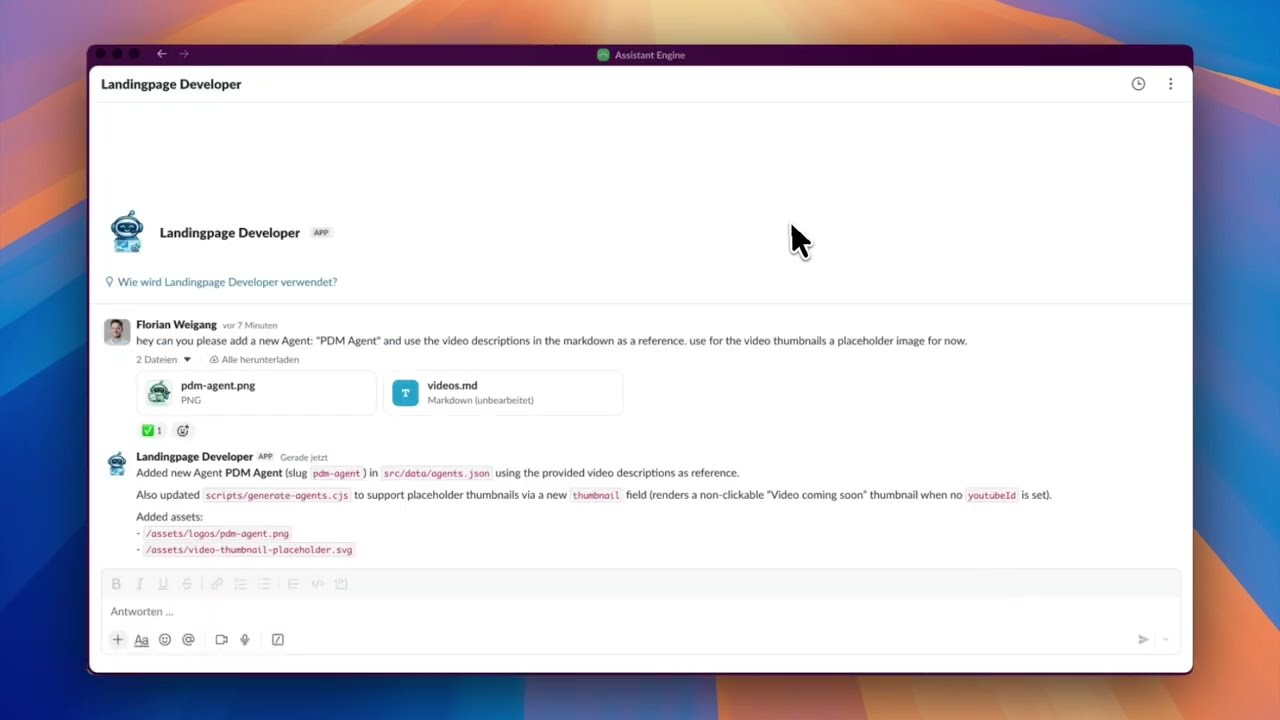
Show steps shown in the video Hide steps shown in the video
- Send request in Slack: Ask to add a new agent and attach the logo + markdown.
- Quick check in browser: Open the site to confirm the agents section.
- Agent ships changes: Updates JSON + assets and reports back what changed.
2 · Add DPA + Privacy links to the footer and verify on the site
Request compliance link updates from Slack. The agent ships the change with an explicit file list, then you verify on the site in seconds by checking the footer and opening the target page.
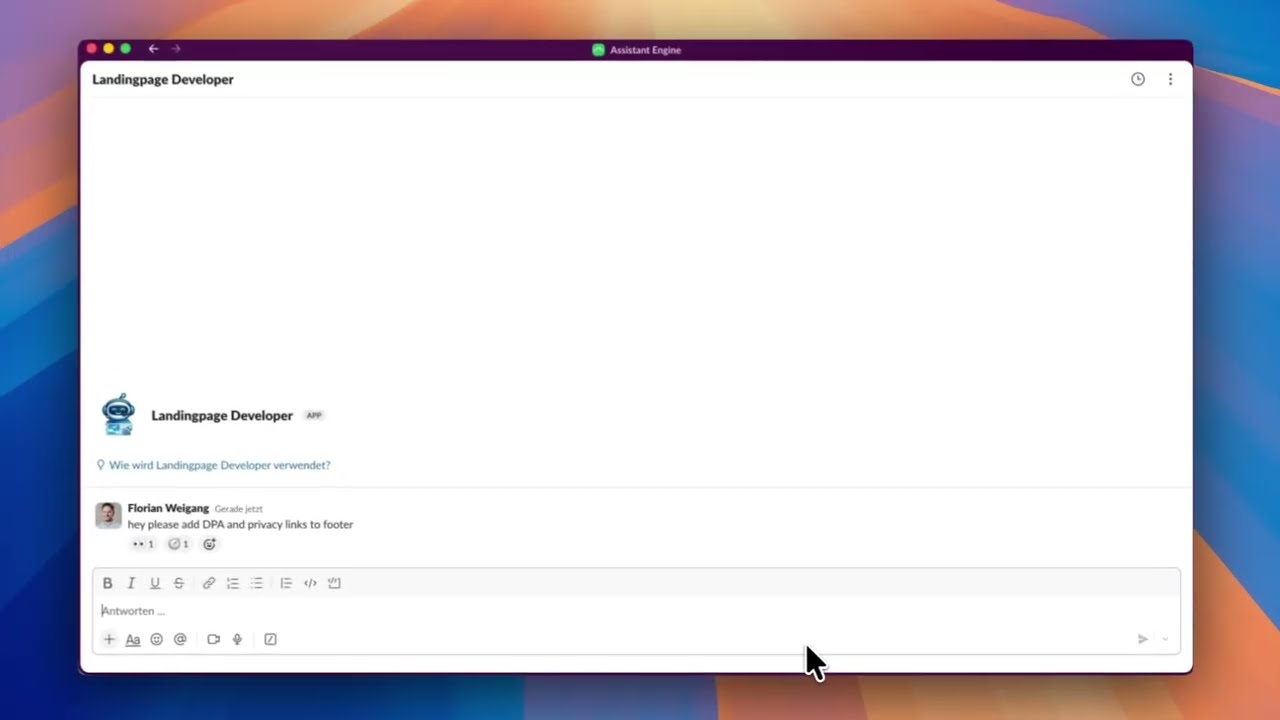
Show steps shown in the video Hide steps shown in the video
- Request footer update: Ask for DPA + Privacy links to be added.
- Verify footer: Scroll to the bottom and confirm new links appear.
- Open DPA page: Click DPA to confirm the page loads.
3 · Request a webinar landing page and receive a clarification checklist
Ask for a webinar page and get a short checklist that removes ambiguity (URL, timing, CTA target, speaker details). Faster approvals, fewer last-minute gaps, cleaner delivery.
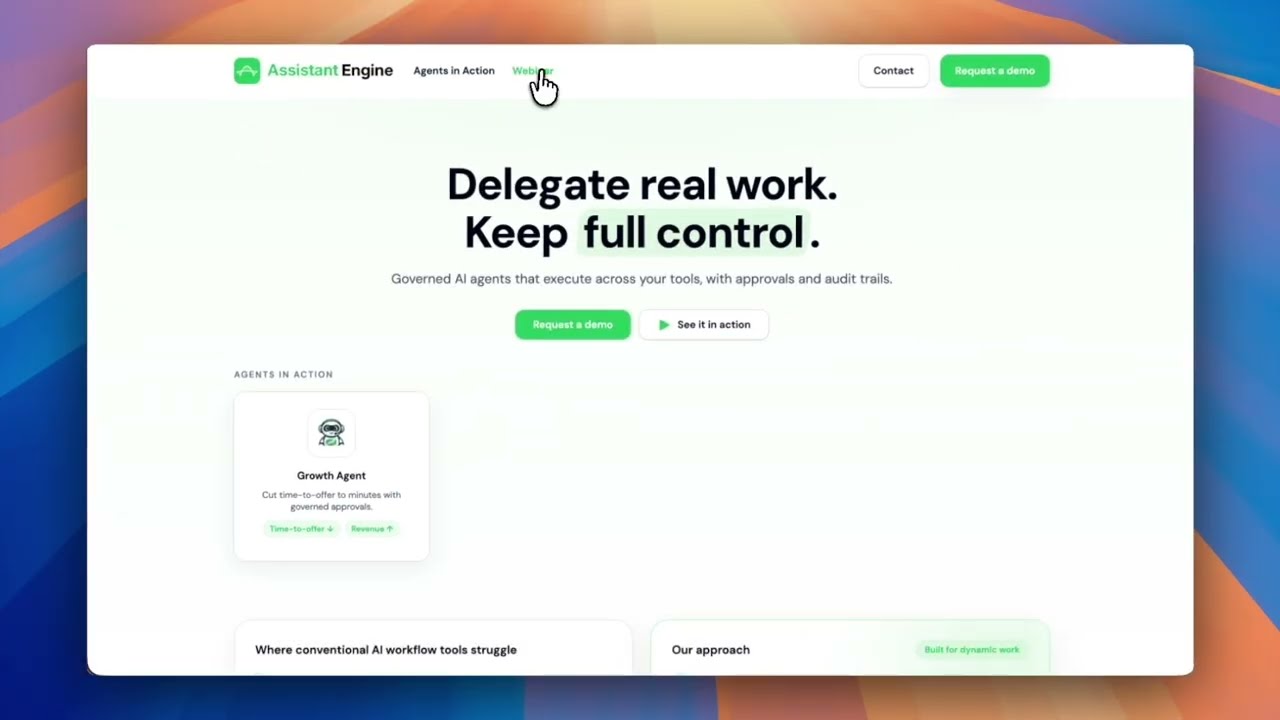
Show steps shown in the video Hide steps shown in the video
- High-level request: Request a webinar landing page in Slack.
- Checklist returned: Agent asks for URL, schedule, CTA destination, and speaker info.
- Proceed with placeholders: Agent can default to English copy + placeholders if needed.
Controls, security, and governance
Choose your model and channels, keep execution inside boundaries, and require approvals where it matters.
Choose your LLM
-
 OpenAI
-
 Gemini
-
 Anthropic
Choose your channel
-
 Slack
Slack
-
 Microsoft Teams (soon)
-
 WhatsApp (soon)
Controls and governance
- Supervisor approval for sensitive actions
- Artifacts stay in your workspace
- Session history for every run
- EU (Germany) residency plus private cloud
Next step
What you get with Assistant Engine
- ✓ Tailored setup to match your use case and environment.
- ✓ Tool integration with the stack your team already uses.
- ✓ Fast, secure environment so you can learn and deliver value quickly.
- ✓ Safe AI rollout with governance from day one.
How: We scope, integrate, and launch a pilot fast so you can prove impact before scaling.

Ready for a tailored demo?
We will map your use case and show value in days.
Next: choose a time slot in Calendly (takes ~30 seconds).