
 Gmail
Gmail Google Drive
 Google Docs
 Google Sheets
Outcomes
Same structure every time
Standardized playbooks across teams and regions.
Transparent handover
Anyone can pick up work anytime with full context.
Faster offer generation
Reduces support needed from colleagues for proposals.
Shorter cycle times
Guided execution, templates, and automated follow-ups.
Better forecasting
Consistent data capture and auditable activity.
Higher win rate
Standardized best-practice execution across reps.
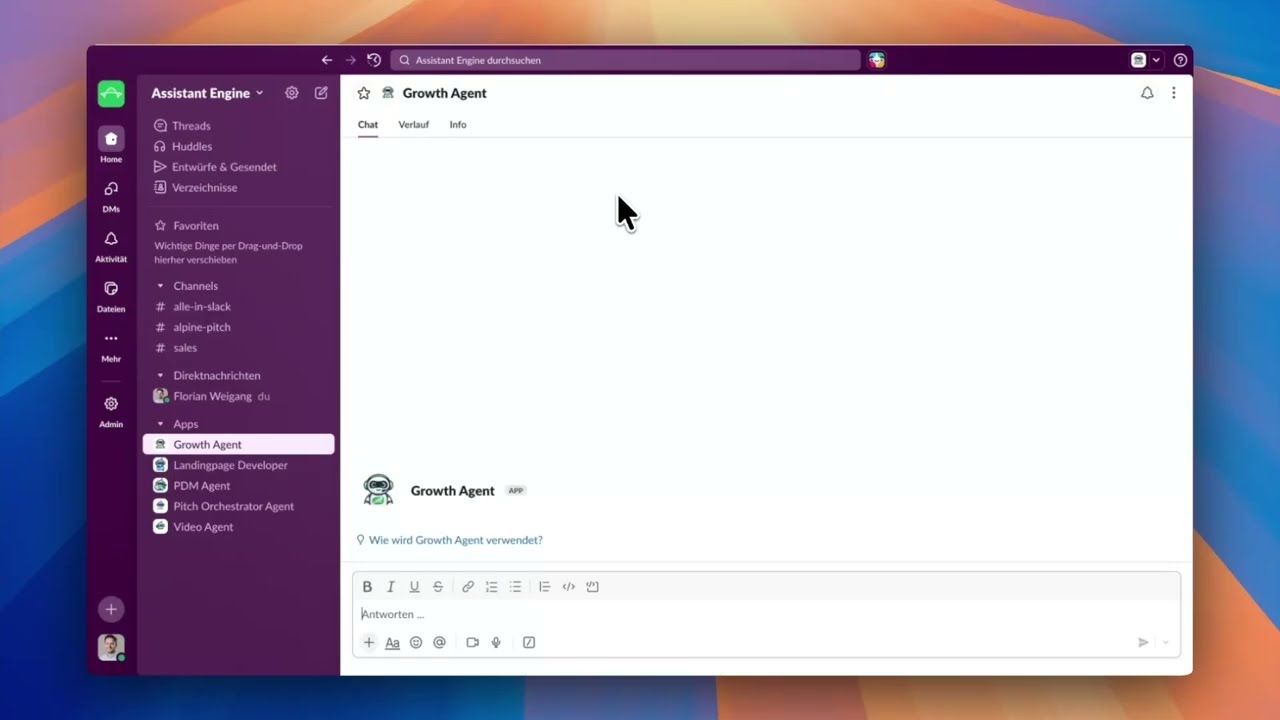
1 · Initialize client workspace
From a Slack request, the agent creates a standardized client folder in Drive and returns links for the supervisor.
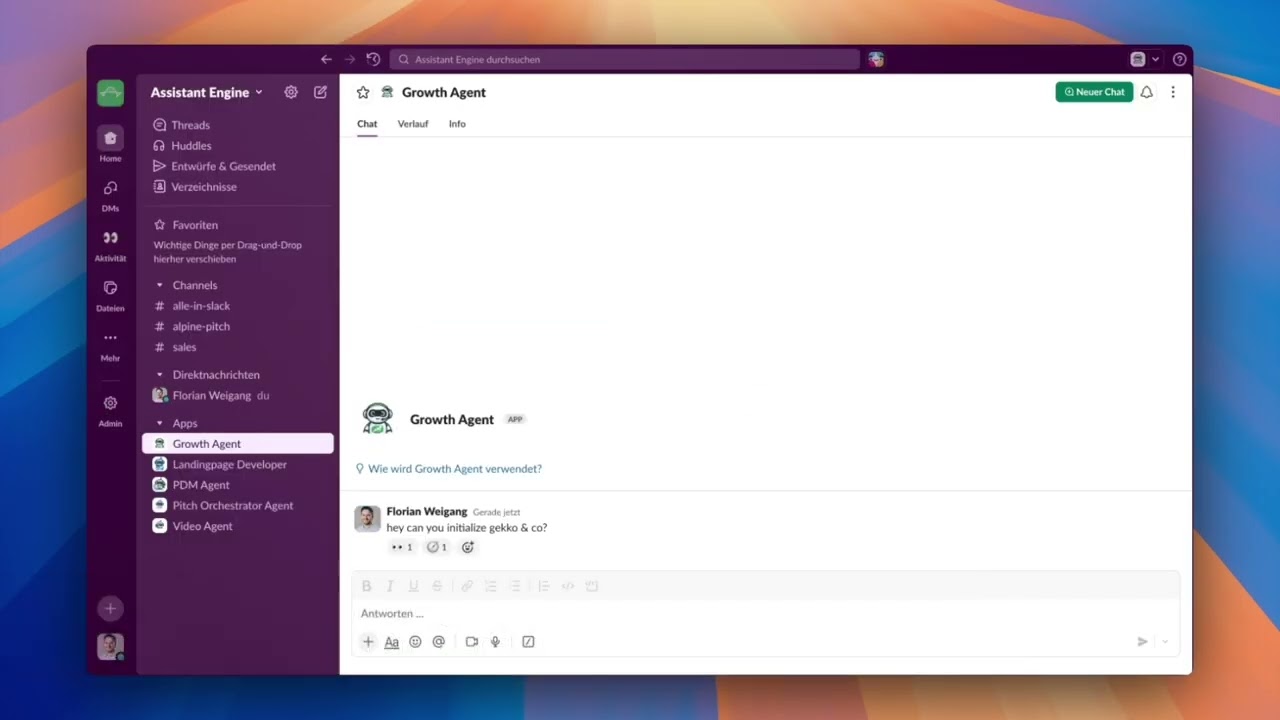
Show steps shown in the video Hide steps shown in the video
- Initialize client workspace: Send request to Growth Agent in Slack
- Automation running: Agent creates standard Drive folder structure.
- Folder created: Link returned in Slack
- Ready for intake: Next step: capture inbound email + CRM log
2 · Email intake and CRM logging
Label an email in Gmail to trigger intake; the agent stores evidence, extracts requirements, and proposes a CRM log row for approval.
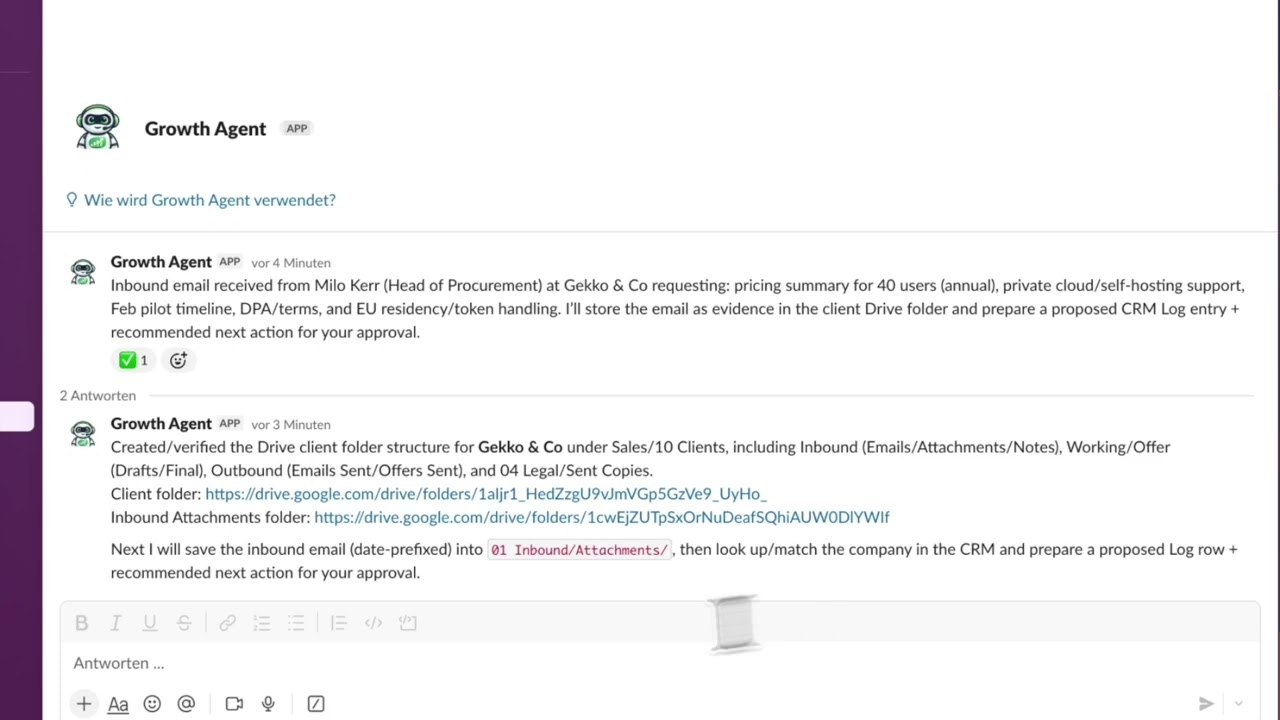
Show steps shown in the video Hide steps shown in the video
- Email intake automation: Turn an inbound email into actions + tracking.
- Trigger intake: Apply label 'growth agent' in Gmail
- Forwarded to agent: Email content is summarized automatically.
- Evidence stored: Email saved to Drive (Inbound → Emails).
- CRM updated: Log entry added with owner + due date.
- Proof in Drive: Saved email visible in the client folder.
3 · Offer generation and approvals
The agent drafts an offer in Google Docs from CRM data, exports a PDF, and posts a review summary with open items before sending.
Show steps shown in the video Hide steps shown in the video
- Status from CRM: Negotiation stage + latest procurement request.
- Offer template: Template the agent uses for drafting.
- Draft created: Offer v01 generated in Google Docs.
- Export for review: Offer v01 exported as PDF.
- Open items: Confirm pricing, deployment, signature.
- Stored in client folder: Draft saved under Offer.
Controls, security, and governance
Choose your model and channels, keep execution inside boundaries, and require approvals where it matters.
Choose your LLM
-
 OpenAI
-
 Gemini
-
 Anthropic
Choose your channel
-
 Slack
Slack
-
 Microsoft Teams (soon)
-
 WhatsApp (soon)
Controls and governance
- Supervisor approval for sensitive actions
- Artifacts stay in your workspace
- Session history for every run
- EU (Germany) residency plus private cloud
Next step
What you get with Assistant Engine
- ✓ Tailored setup to match your use case and environment.
- ✓ Tool integration with the stack your team already uses.
- ✓ Fast, secure environment so you can learn and deliver value quickly.
- ✓ Safe AI rollout with governance from day one.
How: We scope, integrate, and launch a pilot fast so you can prove impact before scaling.

Ready for a tailored demo?
We will map your use case and show value in days.
Next: choose a time slot in Calendly (takes ~30 seconds).